How to get NIP-05 Verified with NIP05.social
pc6HcF8iKBZlaUvuxuH1X

The Bullish ₿itcoiner
Building: @npub129v9dmq755fmy4xfs75k7uw0ydsp92uc2c9nl2k5ff65er84af5qlht6js @npub150fuklz67kkmu4t9pxq640u53sv0nycvf0dq9grmtmqhdkcxdy0sdfpc20 @npub1satse5grv0wq5tzndskkrn09g0tph0tx9kek8lycv8j3vvtva8jqzyp976 @npub1crclvkcch73cj9cg8096e9qyalzknzasj0fl8zhelmxt9lxm3x5qkd04fv Bitcoin/Nostr Merch: https://www.takemysats.com/bullish [Use code “NOSTR” for 10% off]
2 min read
Some NIP-05 providers have a simple process (i.e. just provide your desired address and npub) while others are more involved (i.e. you have to provide an email address and/or connect a Twitter profile).
NIP05.social is right in the middle.
They require you to provide a registration code in order to prove that you own the account. Other than that, all you’ll need is your desired address and your npub.
Let’s go over the steps.
-
Go to their registration page
-
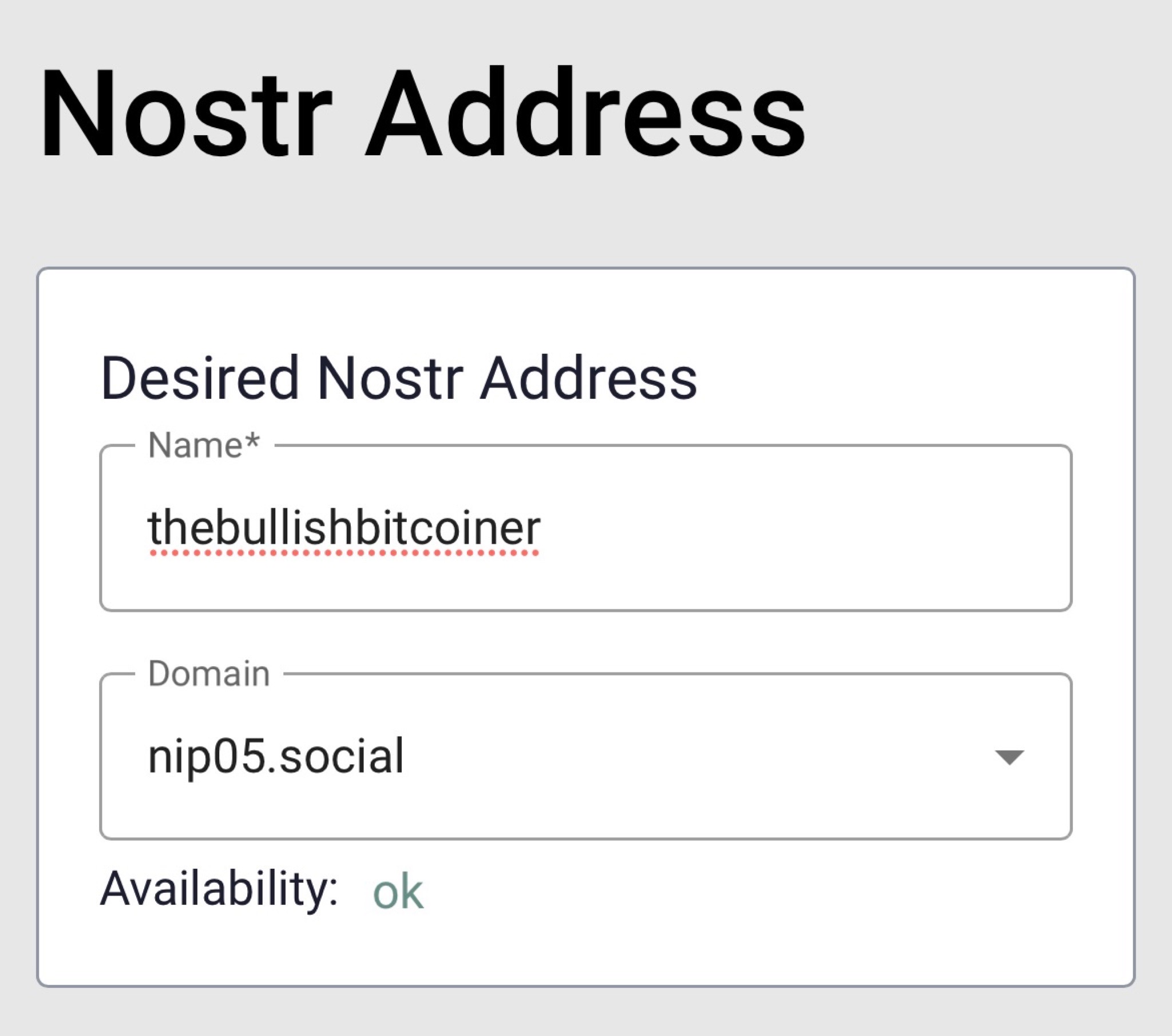
Enter your desired address and select a domain.
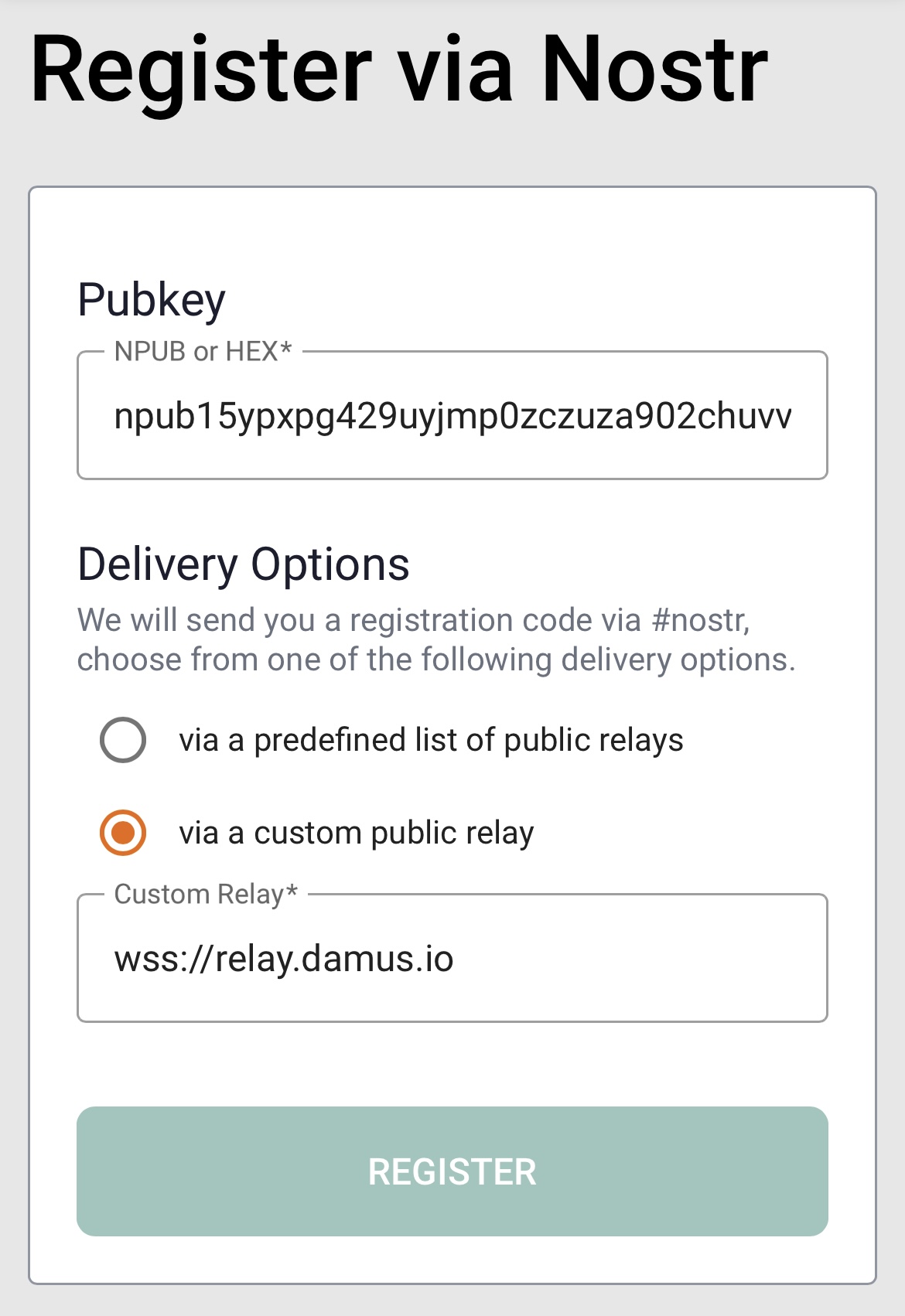
- Scroll down to the “Register via Nostr” section. Enter your npub, select delivery via a custom public relay, specify one that you know you’re connected to (e.g. wss://relay.damus.io), and click register.
- At this point, open the Nostr client that you’re using (e.g. Damus or Nostur), and look for a DM from a random npub that has your registration code.
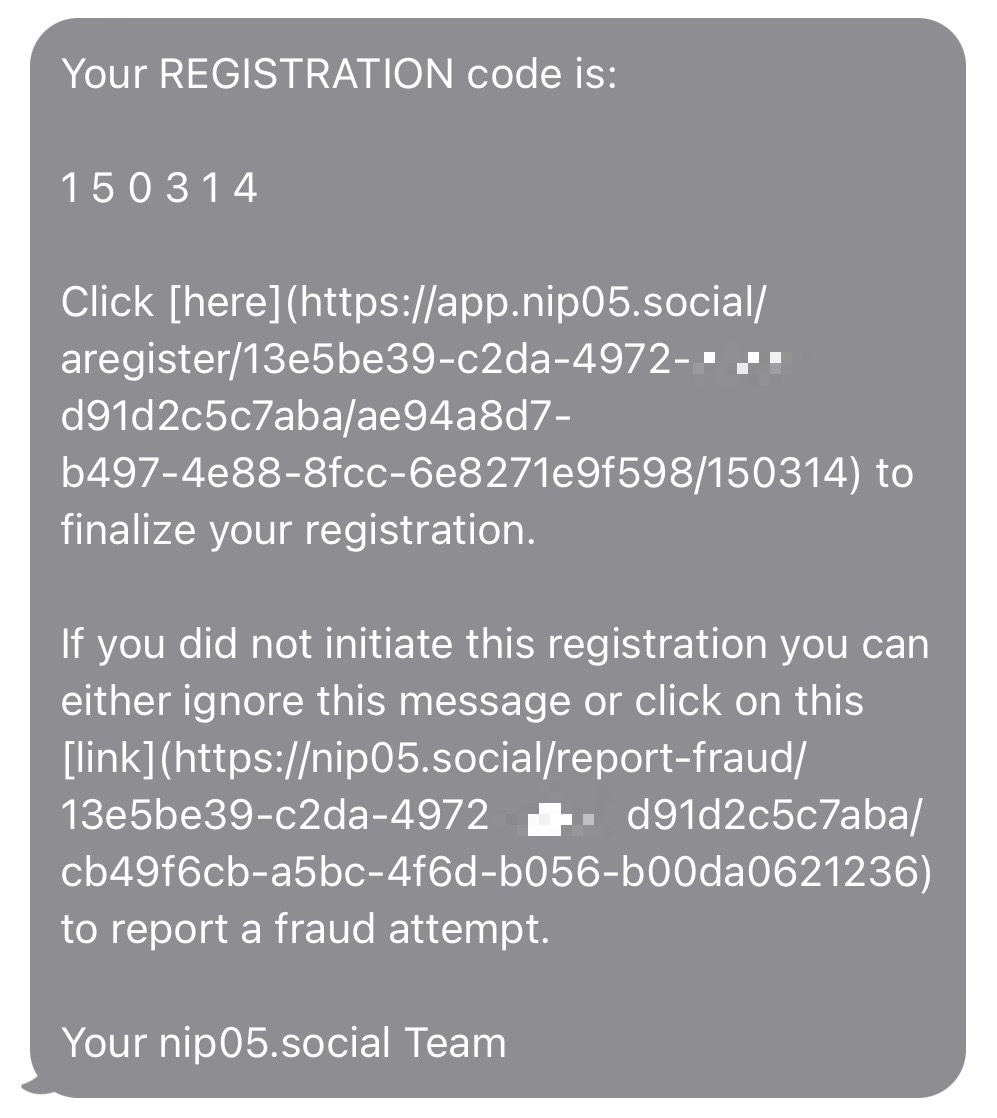
- Go back to the website and enter your registration code. This is the part that proves you own the account.
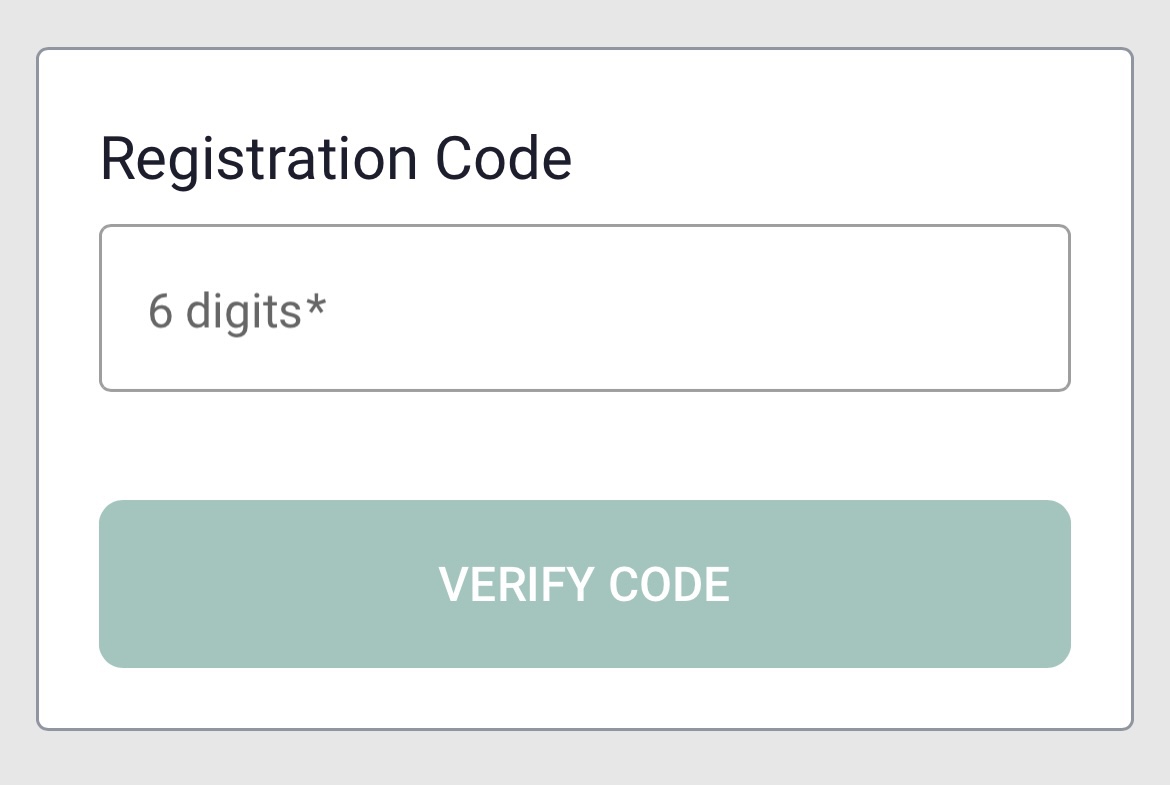
Once click verify code, you’re all done!
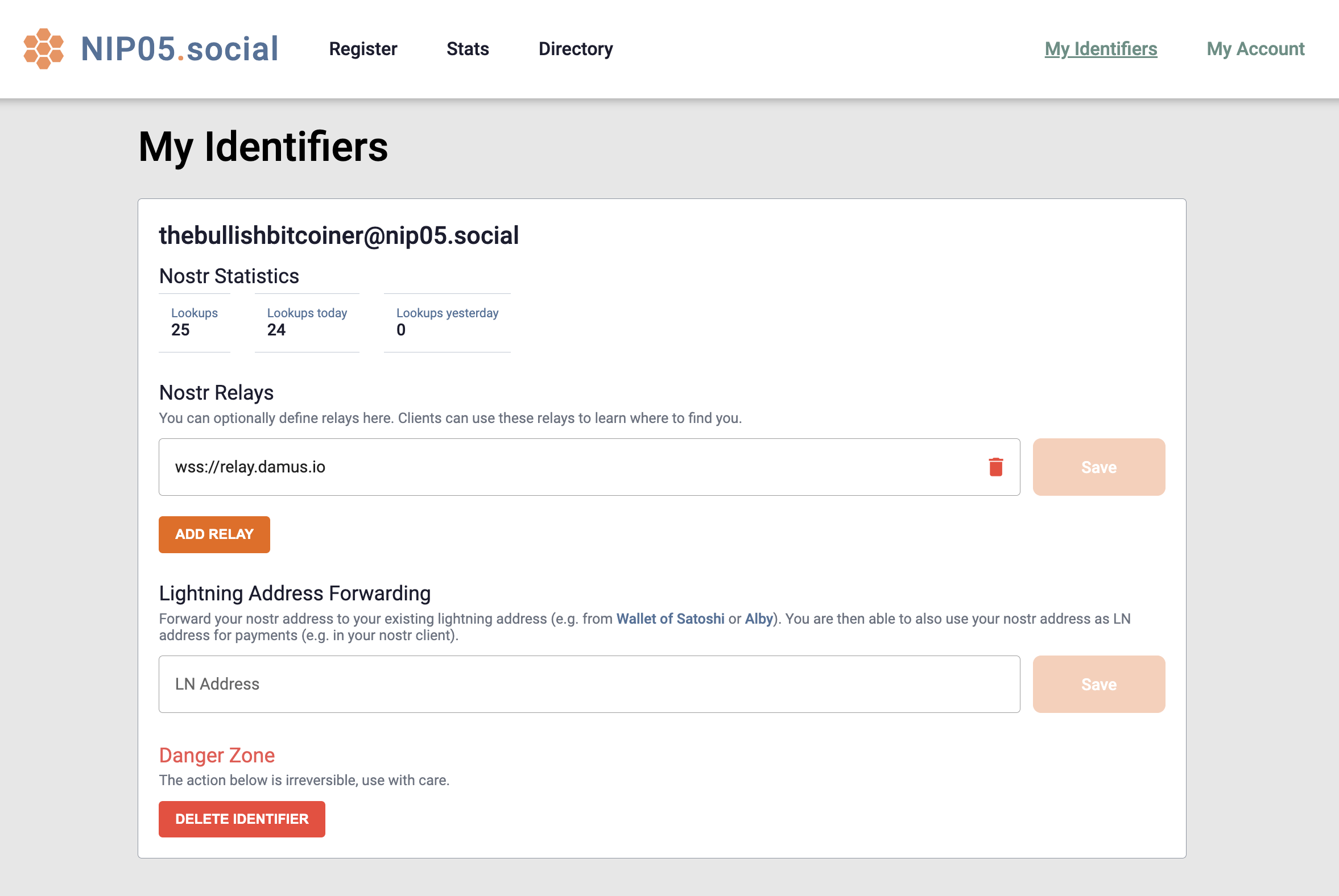
You should be redirected to your dashboard where you’ll find a few cool extra features that typically aren’t provided with other providers.
Help keep these ideas circulating
This is an independent project. If you'd like to help support it, you can make a contribution. But there's no obligation at all. Reading, sharing, and coming back is already a form of support.
Read also
1
Alby Hub is configurable with several different backends. Although setting up with Cashu is considered experimental, it’…
2
A quick overview of the wallets that support sending and/or receiving BOLT 12 and Silent Payments.
3
Complete guide to expose BTCPay Server running on Umbrel to the internet via Cloudflare Tunnel while keeping your home I…

Want to publish here too? No sign-up, and the text stays yours. Learn how to start
Replies (0)
Loading…