How to Set Up Alby Hub with a Cashu Backend
how-to-set-up-alby-hub-with-a-cashu-backend

The Bullish ₿itcoiner
Building: @npub129v9dmq755fmy4xfs75k7uw0ydsp92uc2c9nl2k5ff65er84af5qlht6js @npub150fuklz67kkmu4t9pxq640u53sv0nycvf0dq9grmtmqhdkcxdy0sdfpc20 @npub1satse5grv0wq5tzndskkrn09g0tph0tx9kek8lycv8j3vvtva8jqzyp976 @npub1crclvkcch73cj9cg8096e9qyalzknzasj0fl8zhelmxt9lxm3x5qkd04fv Bitcoin/Nostr Merch: https://www.takemysats.com/bullish [Use code “NOSTR” for 10% off]
2 min read

Alby Hub is configurable with several different backends. Although setting up with Cashu is considered experimental, it’s a good option to have if you don’t want to run a Lightning node.
This post will give a quick overview of the steps to connect your Alby Hub with a Cashu mint.
Before you get started, you’re going to want to have Alby Hub installed already. There are many options for this as well — Linux, StartOS, and Umbrel to name a few. You can even have Alby host it for you in their cloud.

I just happen to have a Linux machine free so I went that route — the installation script made it super easy.
After the install is complete, navigating to localhost:8080 brings up this page.
- Select “Advanced Setup”
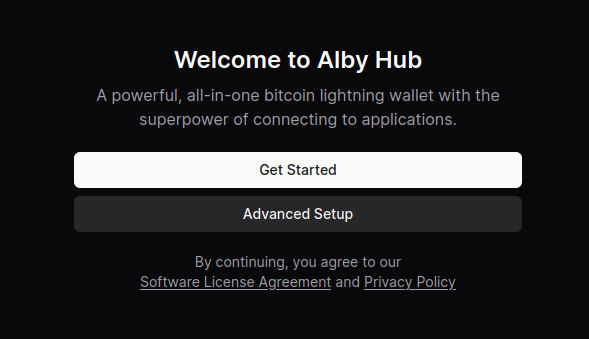
- Select “Create Wallet with Custom Node”
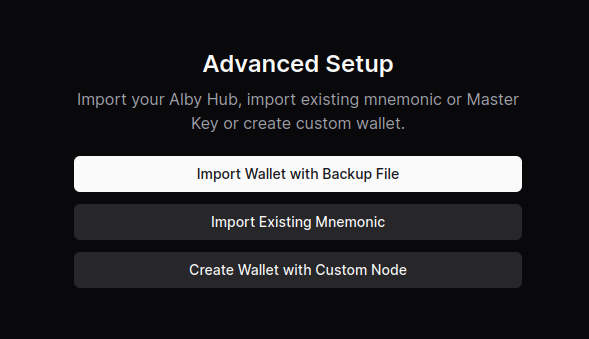
- Select “Cashu Mint”
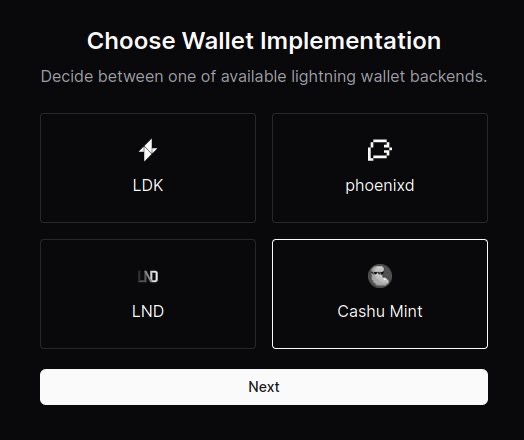
- Paste the URL of the mint you’d like to use. You can use the default one provided or click on “Find a mint” to search for others.
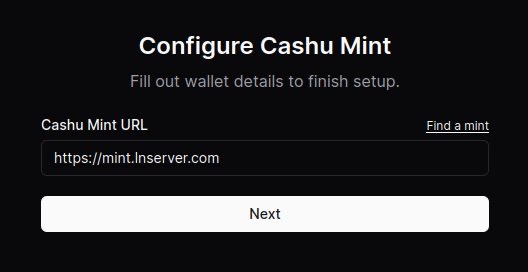
- (Optional) Connect your Alby account by requesting an authorization code. After clicking “Connect now,” a new window will open and the code displayed after signing in.
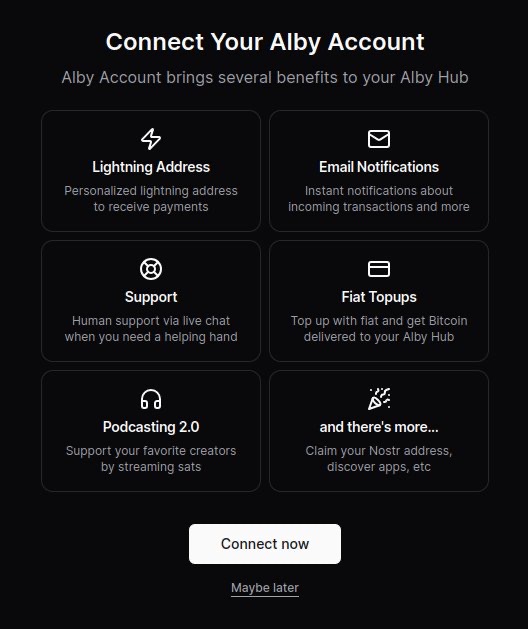
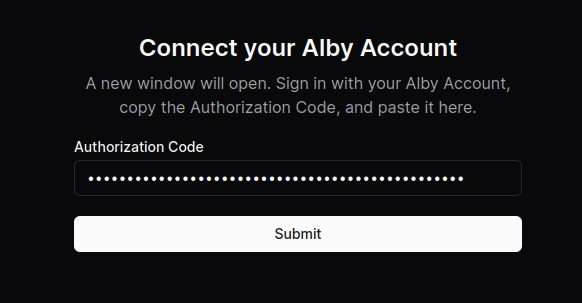
Boom. You’re all done.
Now you can use your Alby Lightning address to receive your first sats!
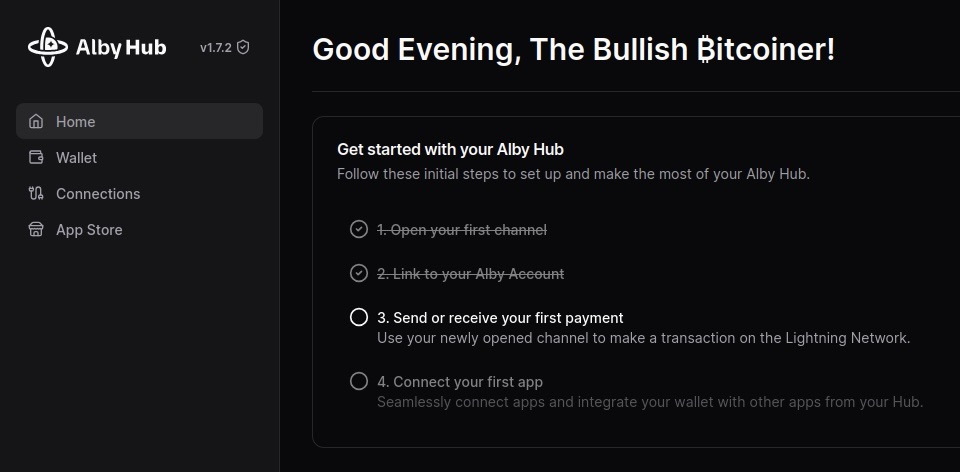
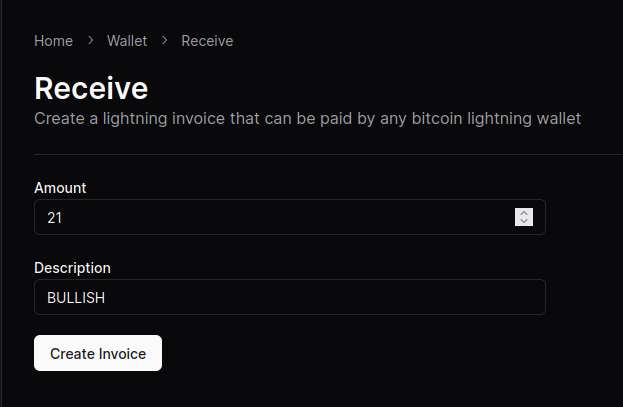
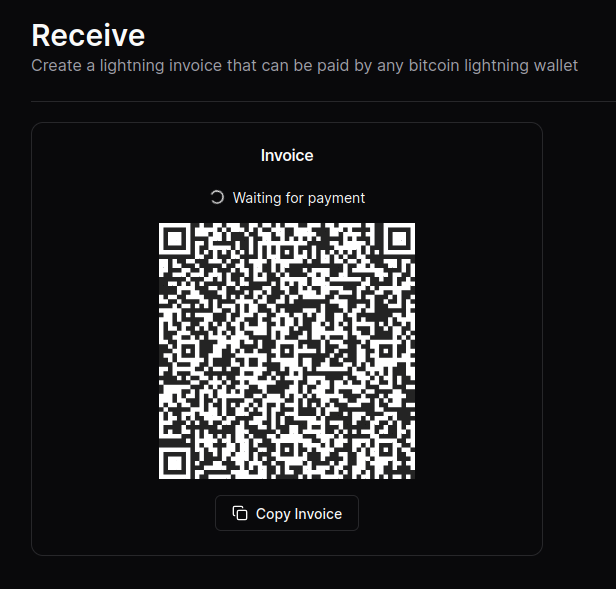
NOTE: Although the sats do make it to the wallet, the “Waiting for payment” animation seems to wait indefinitely and there’s no record in transaction history.
This seems to be a Cashu-related issue that has something to do with the preimage. An issue has been opened on GitHub if you’re curious.
Other that that, sending and receiving works like a charm. 🥜
originally posted at https://stacker.news/items/707673
Help keep these ideas circulating
This is an independent project. If you'd like to help support it, you can make a contribution. But there's no obligation at all. Reading, sharing, and coming back is already a form of support.
Read also
1
This update lets you log in with a Nostr extension and create/edit long form notes as well as classified listings.
2
I’d like to start off by saying that phoenixd has been a great experience so far. The install (on a Linux machine) was a…
3
First off, big shoutout to Coinos for having support for adding a memo to BOLT12 offers. This provides a solid alternati…
Want to publish here too? No sign-up, and the text stays yours. Learn how to start
Replies (0)
Loading…