Sync your data between relays with nak
nak-sync

Alex Gleason
I create software that empowers people online. I'm vegan btw.
2 min read
nak is an awesome command-line tool written in Rust (jk, written in Go) for doing Nostr stuff. I use it on a daily basis to talk to relays and gather events.
Using nak, you can sync your data between one relay and another like this:
nak req -a <pubkey> <relay-1> | nak event <relay-2>
For example:
nak req -a 0461fcbecc4c3374439932d6b8f11269ccdb7cc973ad7a50ae362db135a474dd wss://gleasonator.dev/relay | nak event wss://slime.church/relay
This downloads all data by the author (-a) from relay 1, and pipes it into relay 2.
Most relays only return about 100 events at a time, though. To sync everything you will need to implement some sort of pagination with since and until filters.
Most commonly I just need to sync my profile data to a new relay, which can be done with the -k (kind) flag. You can pass multiple -k flags, eg:
nak req -k 0 -k 3 -k 10000 -k 10001 -k 10002 -k 10003 -a 0461fcbecc4c3374439932d6b8f11269ccdb7cc973ad7a50ae362db135a474dd wss://gleasonator.dev/relay | nak event wss://slime.church/relay
This will migrate your profile, your follow list, your relay list, your mute list, pinned posts, and your bookmarks to the new relay.
If you find yourself doing this often, you can drop a little alias in your bashrc/zshrc:
alias nsync="nak req -k 0 -k 3 -k 10000 -k 10001 -k 10002 -k 10003 -a 0461fcbecc4c3374439932d6b8f11269ccdb7cc973ad7a50ae362db135a474dd wss://gleasonator.dev/relay | nak event"
Then you'll just nsync <relay> to copy data from your main relay to another relay!
Read also
1
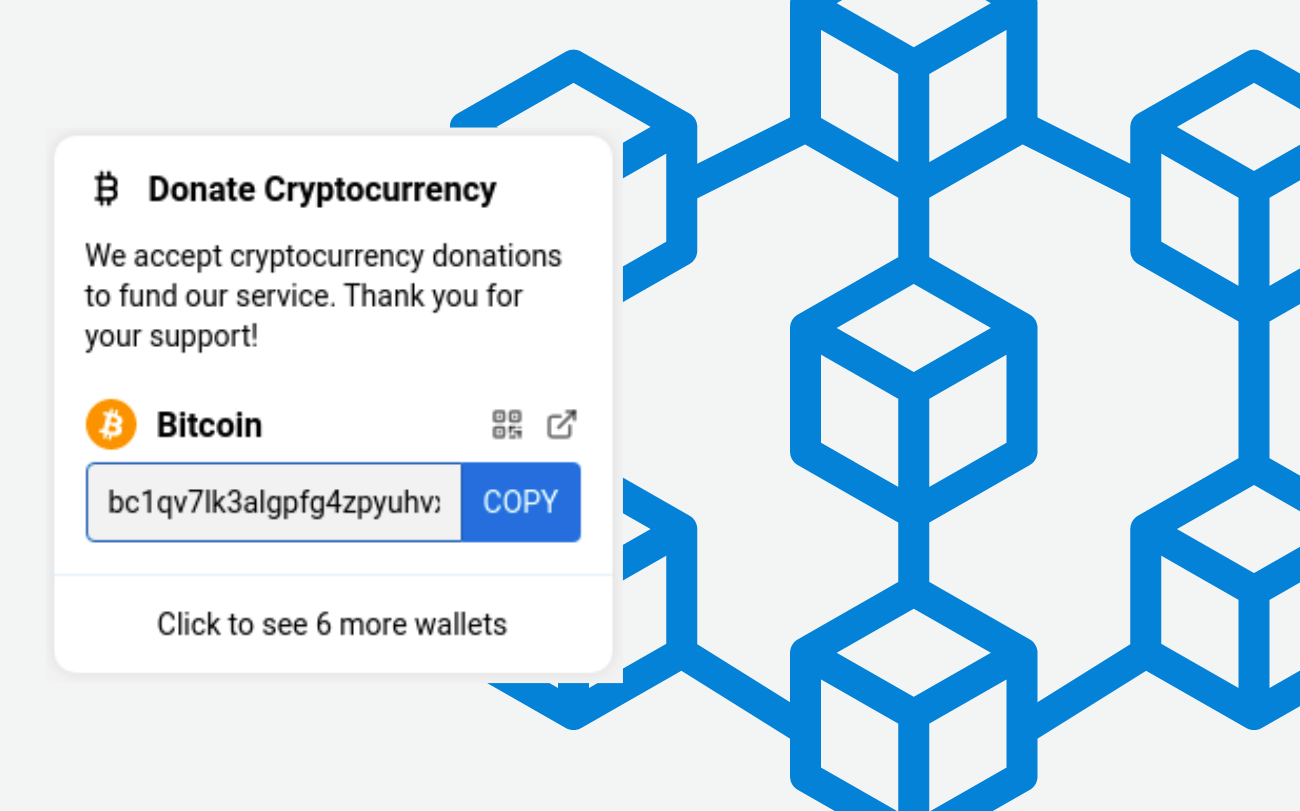
This update to the user interface for Pleroma+Soapbox brings cryptocurrency features to the Fediverse.
2
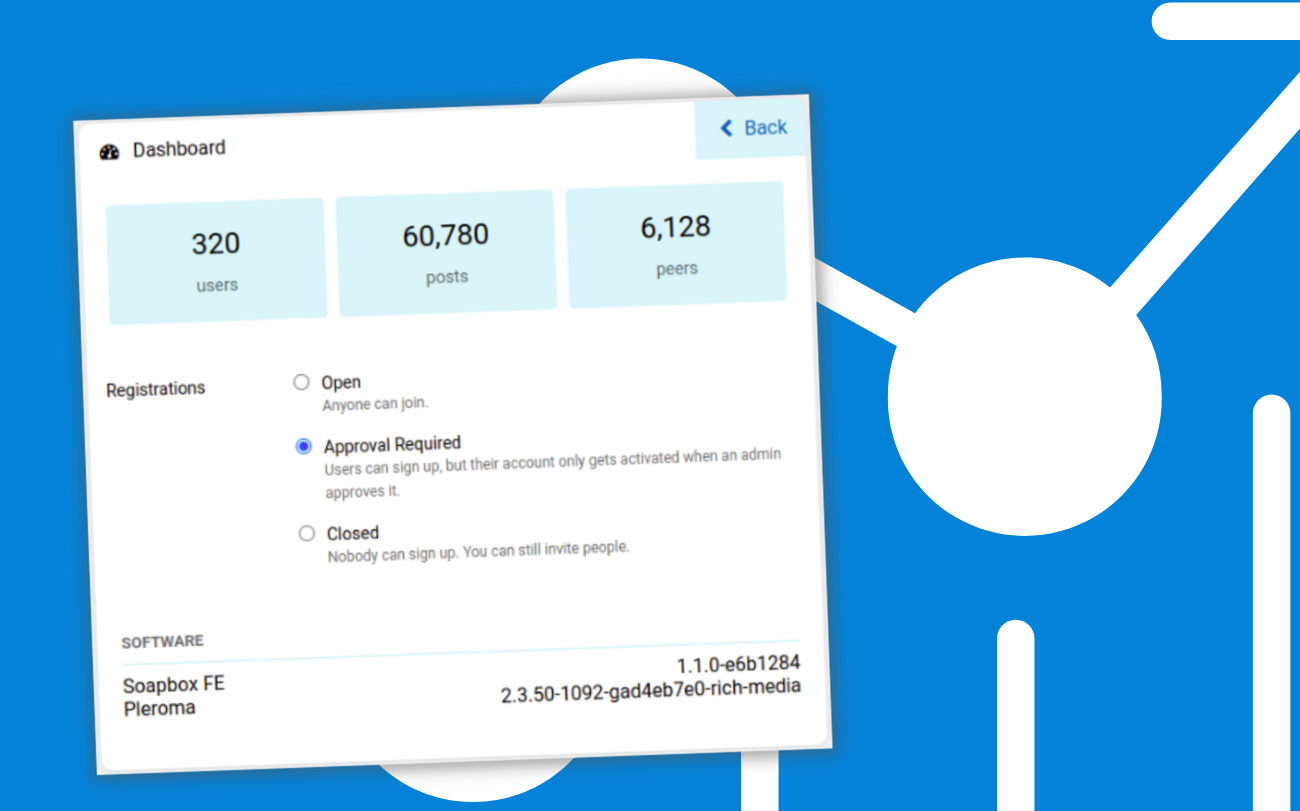
With a slew of administration new features, this release builds on the stability of the v1.1 release. It brings us up to…
3
knox is a new Nostr bunker CLI for running a NIP-46 remote signer and granting credentials to members of your team.
Want to publish here too? No sign-up, and the text stays yours. Learn how to start
Replies (0)
Loading…